
The reporting dates can be adjusted to monitor any time period. To do so, use the From and To fields located in the upper right corner of the screen.
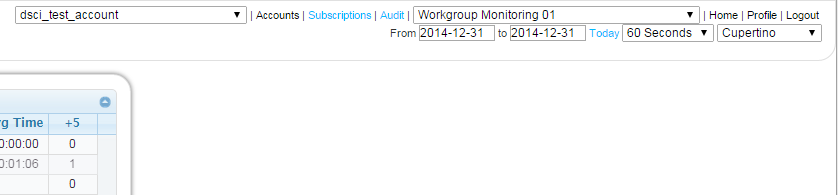
Click on the text box next to From or To to select the date on a calendar. Use the left and right arrows at the top of the calendar to browse through months. Click on a date on the calendar to select it.
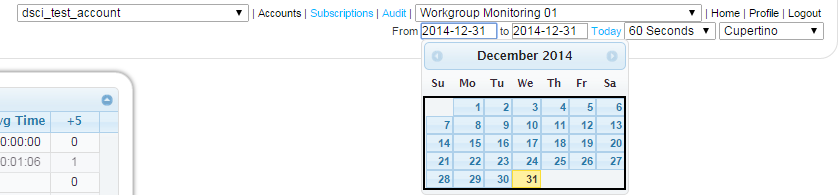
Days with no available data will be greyed out on the calendar.
Alternatively, you may directly input a date in the From or To box. Enter the date in yyyy-mm-dd format. For example, you would enter March 1, 2013 as 2013-03-01.
Once you have selected a From or To date, the report will automatically refresh to display the data for the currently-selected date range
Click the Today link to view data for the current day only.