
You can change your password while you are signed in to the Call Center client.
NOTE: This password is a “single sign-on” that’s shared with the UCx Web Portal and the UCx client.
- Click the Settings link in the top right-hand corner of the Call Center window.
- Click the General tab and then click Change Password.
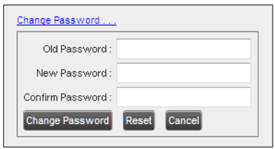
- Enter your old and new password in the text boxes and click Change Password. (The Reset button does not reset your password; it only clears the input boxes.)