
The Call Alert Notification Service can generate different types of alerts via email, voice call, or SMS text message. When an alert is acknowledged by any of these methods, the date and time of the acknowledgment are logged in the TPx Real-Time Application portal.
SMS (text) and Email alerts will prompt a user to click a link to acknowledge or reject the alert.
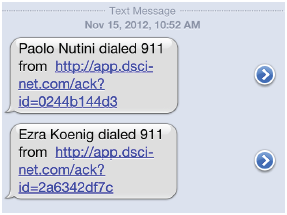 Figure 1: Sample SMS Alert Notification
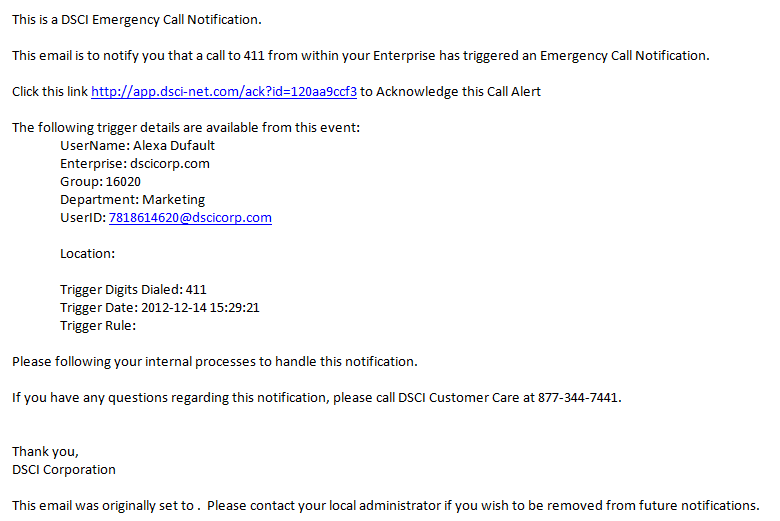 Figure 2: Sample Email Alert Notification
A voice call (“Cell” or “Call” notification method) will call the number you have set up in the Configuration tab and play the following message:
This is a TPx Emergency Notification. This notification has been triggered by extension (telephone number is stated here), which dialed (pre-defined number). Please press 1# to acknowledge this alert, or press 2# to reject this alert.
If the user enters 1#, they hear: Thank you, you have successfully acknowledged this alert. Goodbye!
If the user enters 2#, they hear: Thank you, you have successfully acknowledged this alert. Goodbye!
NOTE: The system does not account for voicemail.