
This article describes how to send a fax using the Virtual Fax service.
Attach your document(s) to a new email. Supported formats are Word, Excel, PowerPoint, PDF, and TXT.
Send the email to ##########@fax.tpx.net, where ########## is the ten-digit fax number. For example, if the fax number is 555-123-4567, you would send the email to [email protected].
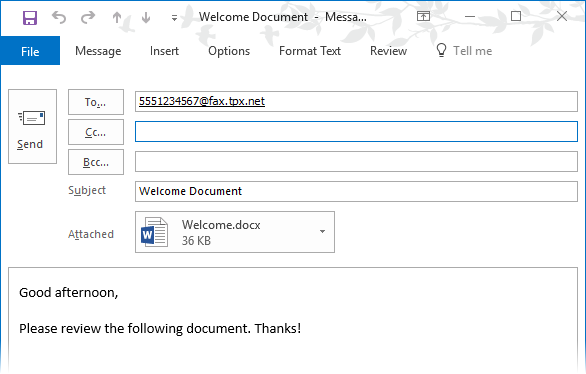
Your email message and any attached documents will be converted to fax pages.
NOTE: Our system will only accept faxes sent from the email account that is associated with your Virtual Fax line. To authorize a secondary account or to change your email address, please contact Customer Care.