
There can be only one Default rule on the Incoming Routing Table. This rule routes the faxes to an administrator if all other routing rules fail.
TPx will NOT pre-configure your account with a Default rule. Incoming faxes will be routed following all routing rules in order, from the top of the list to bottom. A Default rule will always be at the bottom of the list and cannot be moved.
If you would like to create the Default rule in addition to the other routing rules, follow these steps:
Log in to the Virtual Fax admin portal at https://fax.tpx.net/faxadmin, then click Incoming Routing Table on the left menu.
On the Incoming Routing Table page, click  Add and then select Add Default Rule. The Routing Table Entry Properties page for the Default rule opens.
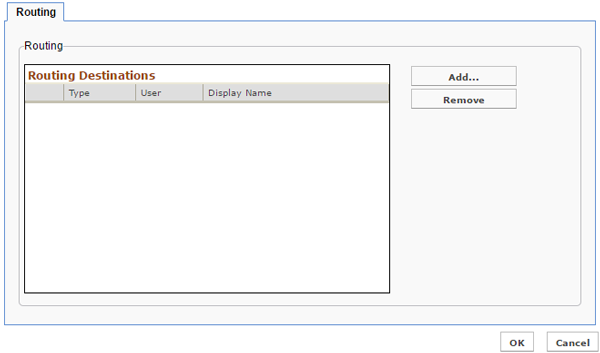
Add routing destinations as needed. The Default rule is very similar to a Direct rule matching a phone number. When finished, click OK to save.