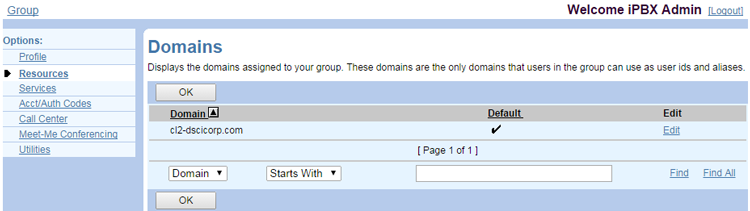
Display the Domains Assigned to Your Group
- Log in to ucx.telepacific.com with your group admin credentials.
- Click Resources on the left menu.
- On the Resources page, click Domains.
- A list of domains is displayed. These are the only domains that users in the group can use with their user IDs and aliases.
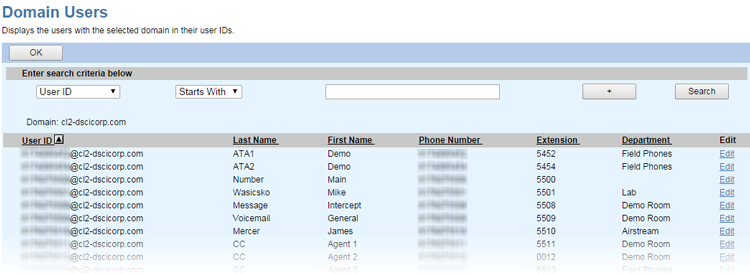
View the Users Assigned to a Domain
- Follow the steps above to locate the domain.
- Click the Edit link next to the domain.
- Enter the search criteria to find a specific user, then click Search. Alternatively, to pull a complete list of all users, leave the search criteria fields blank and click Search.