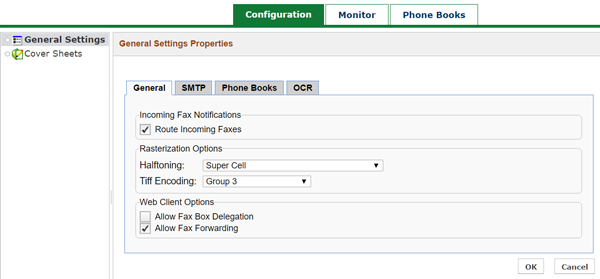
Administrators can log in to the Virtual Fax self-service portal to manage many components of this service.
You’ll receive an email from TPx with your assigned username and a temporary password. Note that these credentials are different from your end-user fax account, if you have one.
Visit https://fax.tpx.net/faxadmin to log in.
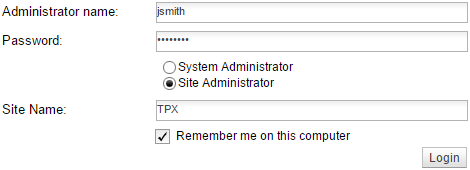
Enter your username and password, then select Site Administrator. In the Site Name box, enter your site name as provided by TPx provisioning. If desired, check Remember me on this computer. Then, click Login.
NOTE: If you select “System Administrator,” the login will fail.
The first time you log in, you’ll be prompted to change your password.
Once logged in, you’ll see the Configuration tab.